Uses
Uses
Here's a rundown of the hardware, software, and tools I use daily.
Hardware
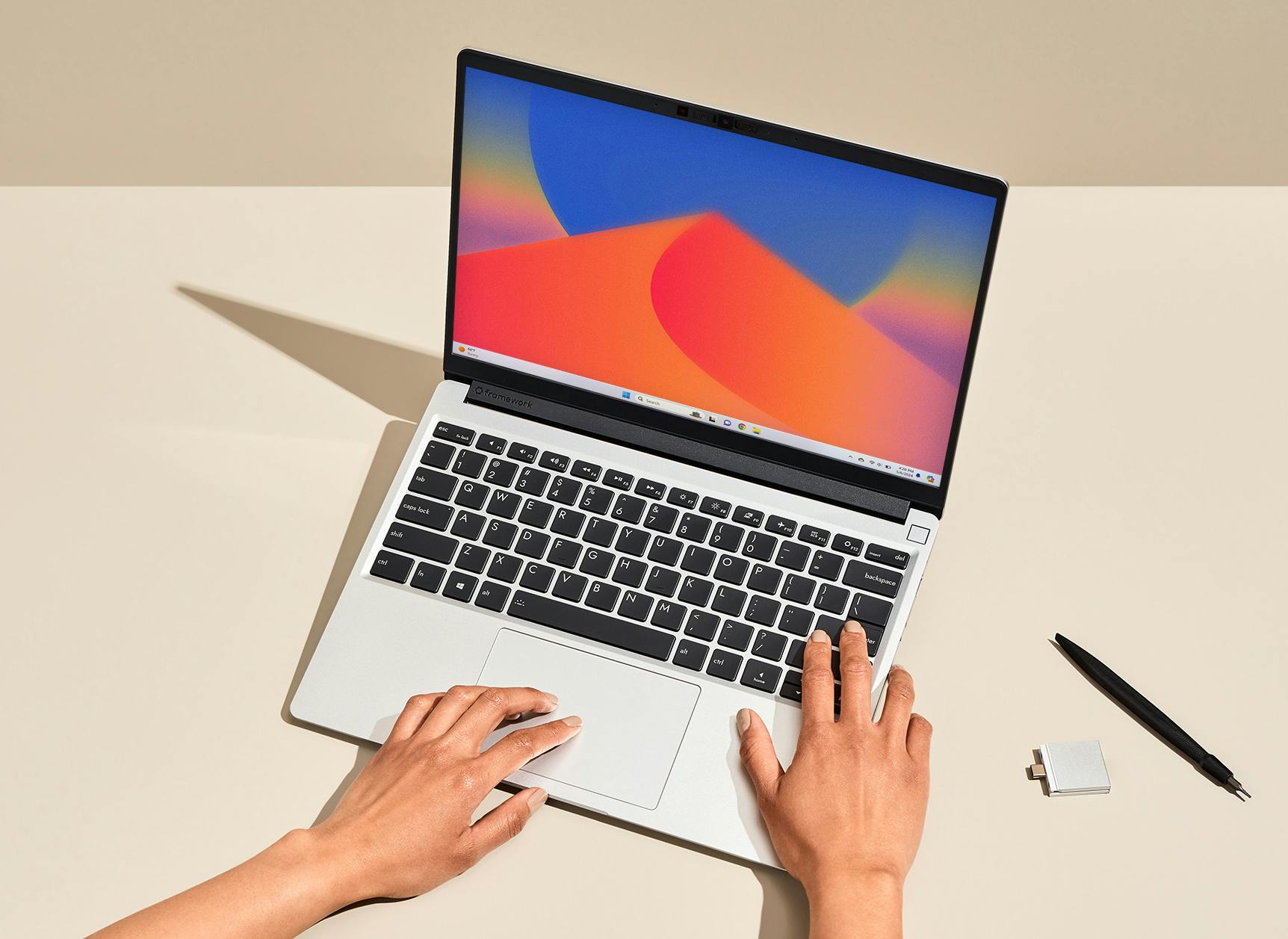
Laptop: Framework 13
The Framework 13 is my daily driver. I love the modular design and repairability - swap out ports, upgrade RAM, or replace the battery yourself. It runs Ubuntu flawlessly and feels like it was made for developers who care about ownership and sustainability.
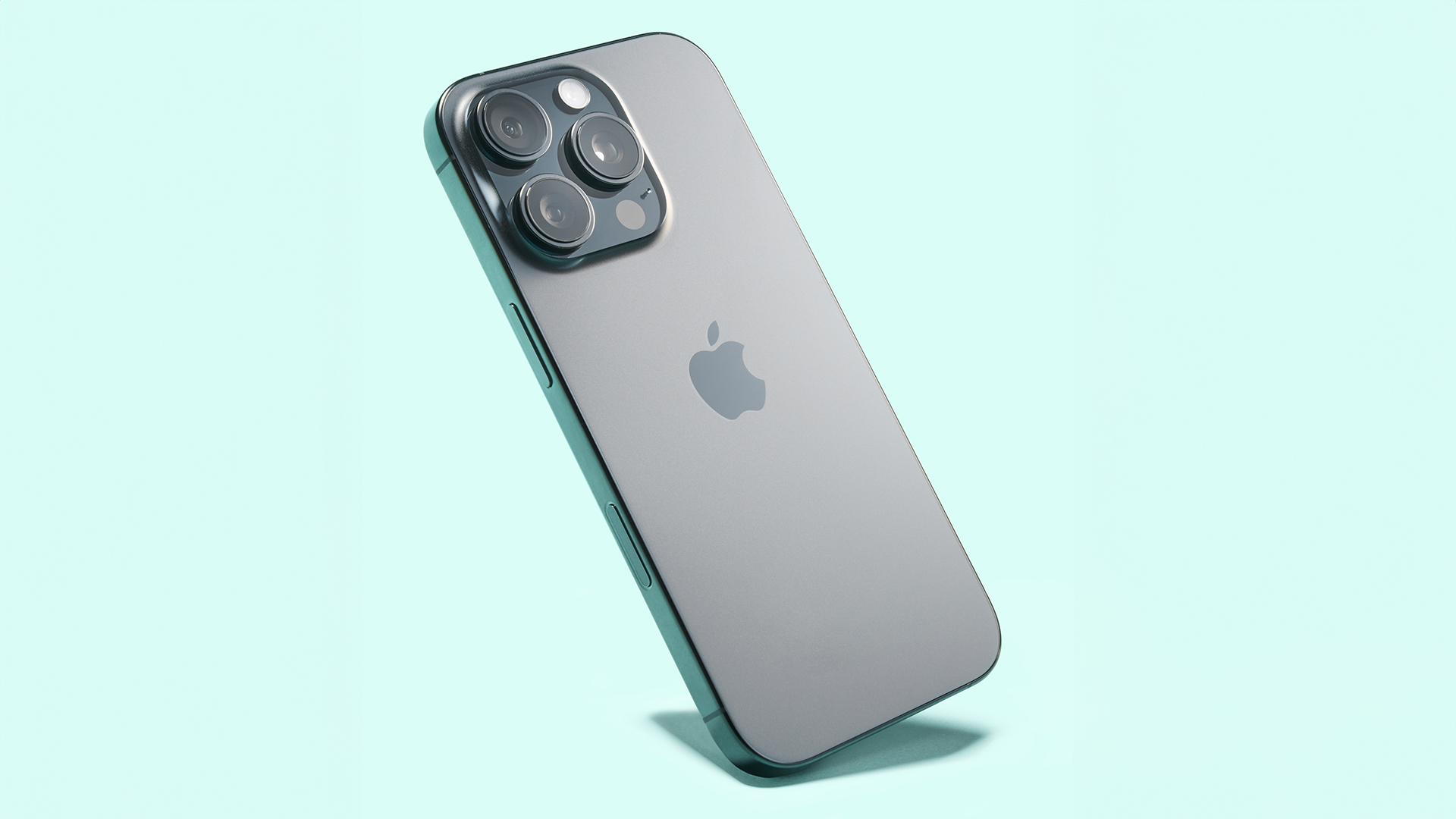
Phone: iPhone 16 Pro / Pixel 9a
I carry both an iPhone 16 Pro for personal use and a Pixel 9a for development and testing. The iPhone is my main camera and communication device, while the Pixel is essential for Android development and testing apps with stock Android experience.
Operating System: Ubuntu
Ubuntu is my OS of choice. It's reliable, has excellent hardware support, and the terminal-first workflow suits how I work. I've been using various Linux distros for over a decade, but Ubuntu's balance of stability and cutting-edge packages keeps me coming back.
Peripherals
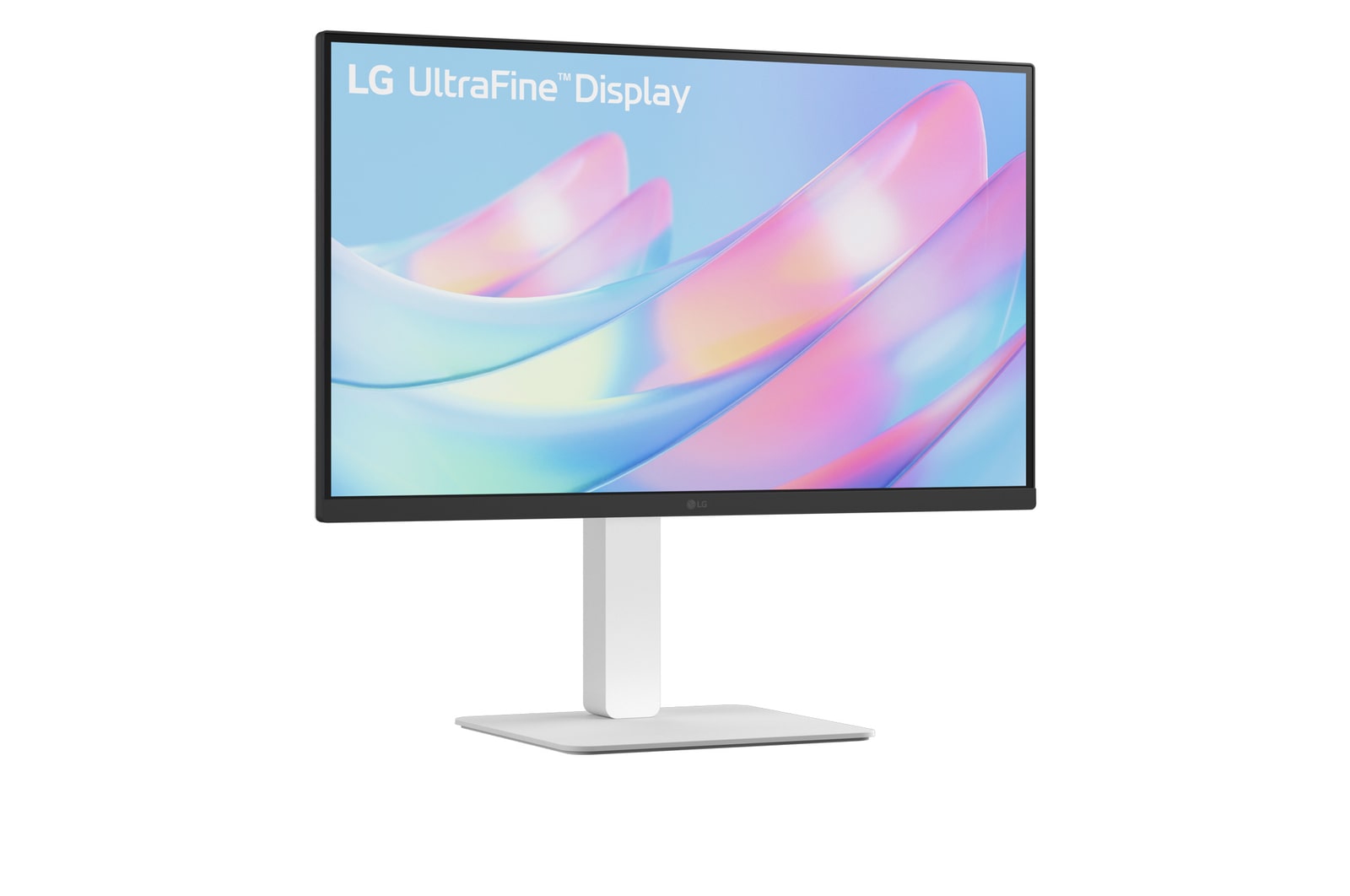
Monitor: LG 27" 4K UltraFine
A 27" LG UltraFine 4K display sits on my desk. The pixel density is perfect for code, and the USB-C connection means one cable for video and power to my Framework. Color accuracy is great for the occasional design work too.
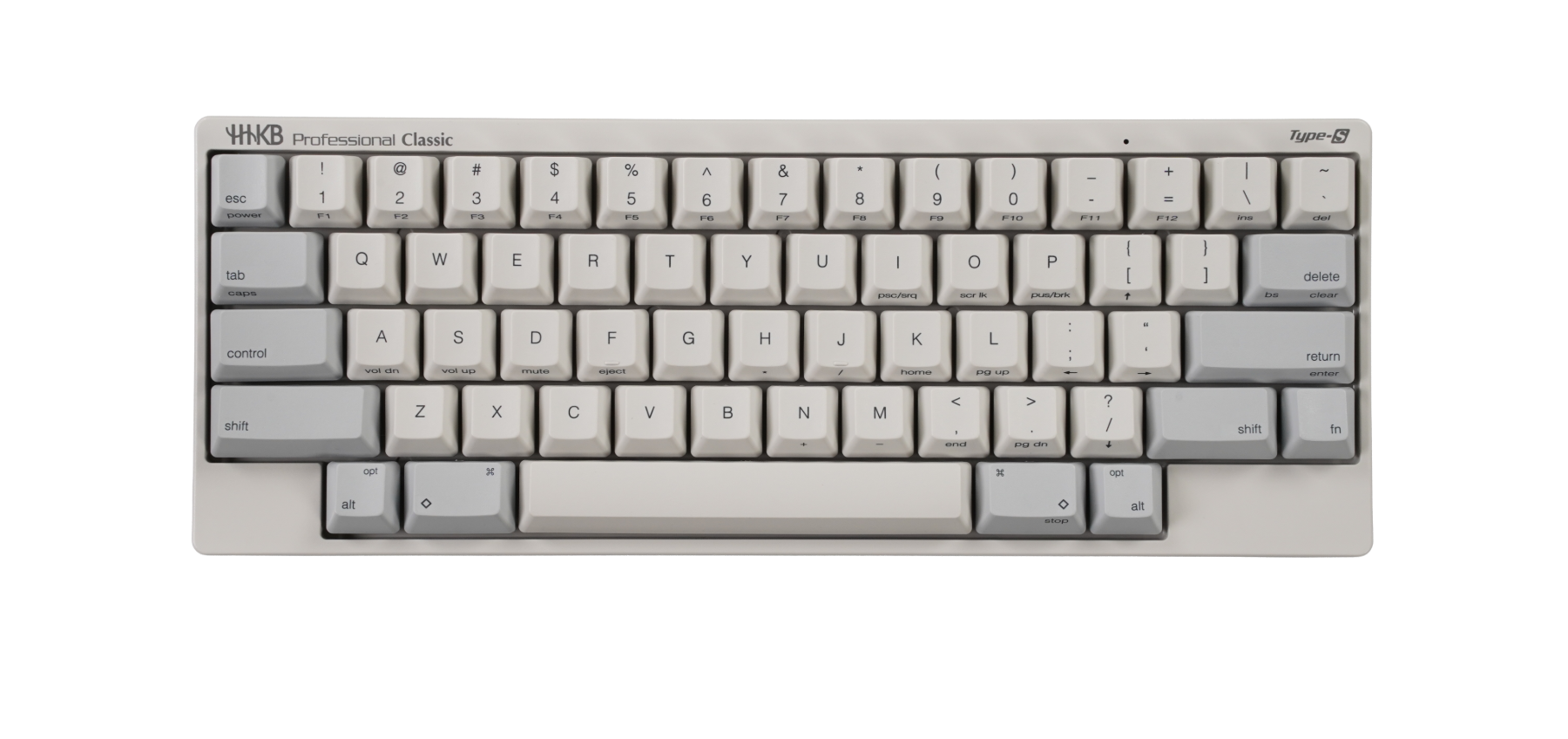
Keyboard: HHKB Pro
The HHKB Pro (Happy Hacking Keyboard) is my keyboard of choice. The legendary Topre switches provide a unique, satisfying typing feel that's impossible to replicate. The compact 60% layout with perfectly positioned Control key makes it ideal for Emacs and Vim users. Once you go HHKB, you never go back.
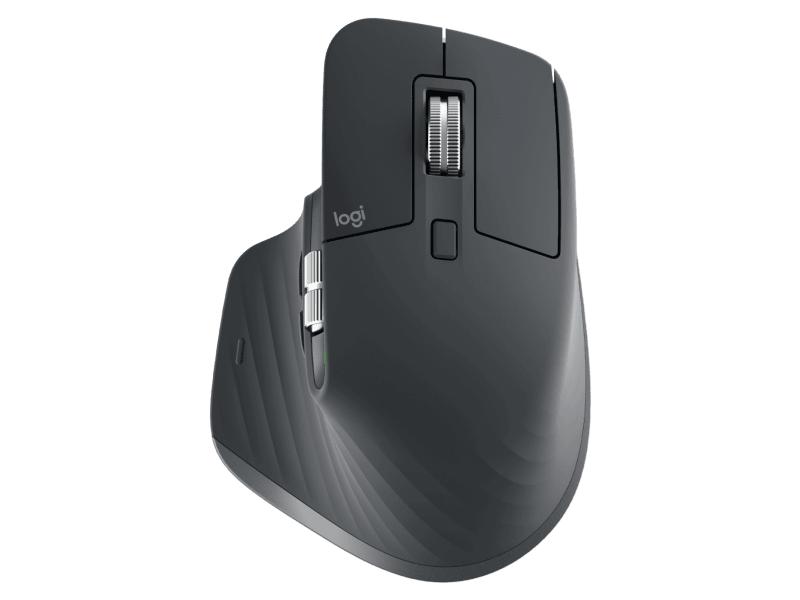
Mouse: Logitech MX Master 3S
The Logitech MX Master 3S is hands down the best mouse I've ever used. The ergonomics are excellent, the electromagnetic scroll wheel is addictive, and it works across three devices with easy switching. Silent clicks are a bonus for late-night work.
Headphones: Sony WH-1000XM5
Sony WH-1000XM5 for noise cancellation that actually works. Essential for focusing in cafes or blocking out the world when I need deep work time. The battery lasts forever and audio quality is excellent for both music and calls.
Software
Editor: Emacs + Cursor
I primarily use Emacs with org-mode for writing, note-taking, and this very website. For heavier development work, Cursor with Vim keybindings gives me the best of both worlds - AI-powered assistance, powerful extensions, and familiar editing.
Terminal: Alacritty + tmux
Alacritty for GPU-accelerated terminal rendering combined with tmux for session management. Fast, minimal, and reliable. My tmux config is heavily customized with vim-style navigation.
Browser: Firefox
Firefox remains my browser of choice. Privacy-focused, great developer tools, and container tabs are fantastic for separating work and personal accounts. Plus, supporting browser diversity matters.
Notes: Obsidian
Obsidian for my personal knowledge base. Local markdown files mean I own my data, and the bidirectional linking helps me connect ideas across projects. Combined with git sync, my notes are everywhere I need them.
Desk Setup
Chair: Secretlab Titan
The Secretlab Titan is the perfect balance of gaming-inspired comfort and professional aesthetics. The lumbar support is excellent, the build quality is solid, and the magnetic accessories like the headrest pillow make long coding sessions much more comfortable.
Desk: IKEA BEKANT Sit/Stand
An IKEA BEKANT sit/stand desk. Nothing fancy, but the ability to alternate between sitting and standing throughout the day makes a real difference in energy levels.